
Business Automation
Not every process needs automation on day one. Start with repetitive tasks that happen frequently, follow predictable steps, and consume valuable team time.
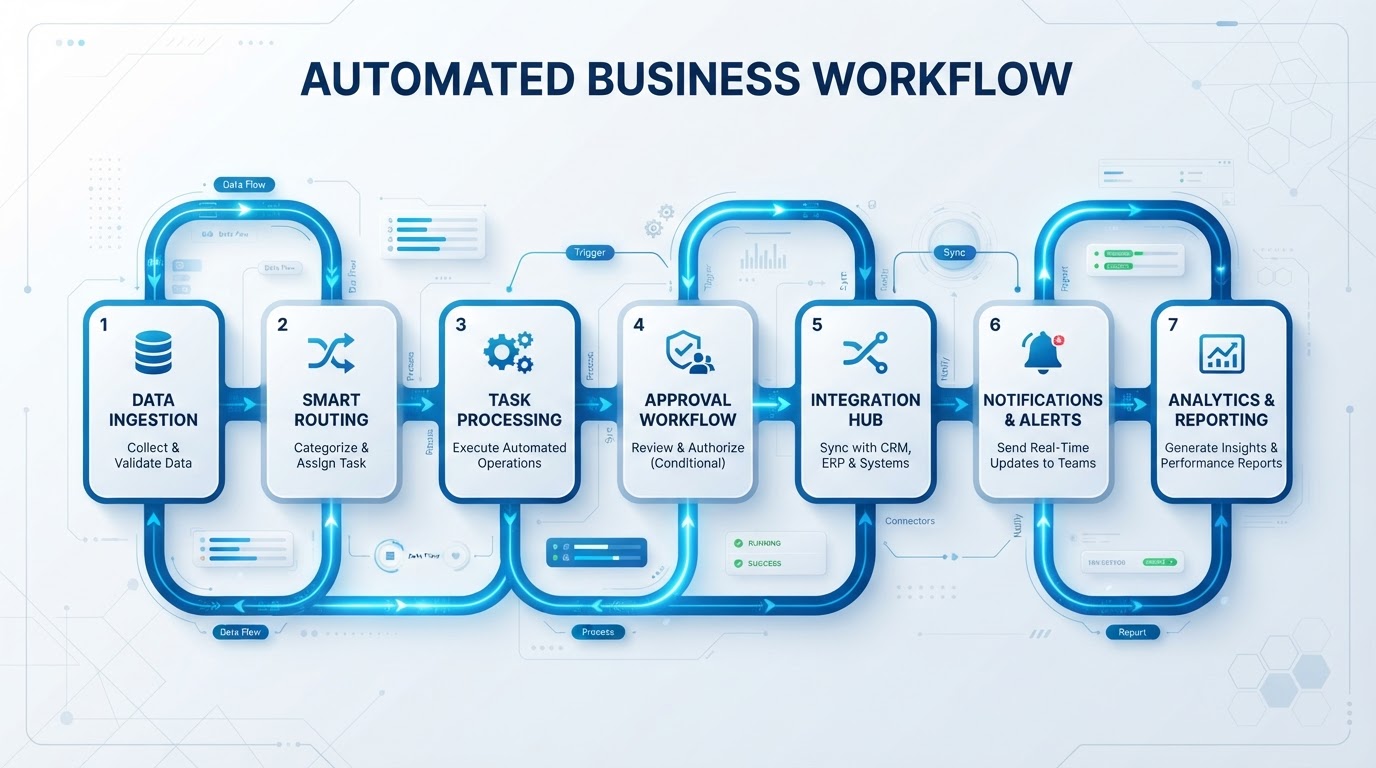
Automation works best when it solves a real operational problem.
Instead of trying to automate everything at once, businesses should start with processes that are repetitive, predictable, and time-consuming.
Here are seven areas worth looking at first.
When a lead comes through your website, form, advertisement, or another source, the information should automatically enter your system.
No copying and pasting. No waiting. No leads sitting in an inbox.
Slow follow-up can cost businesses opportunities.
Automation can send an immediate response, create follow-up tasks, trigger email or messaging sequences, and notify the appropriate team member.
Once a qualified prospect is ready to talk, automation can send a scheduling link, confirm the appointment, send reminders, and update the CRM.
Your CRM should not depend on someone remembering to update it.
Automation can create contacts, update pipeline stages, add tags, record activities, and trigger the next step.
After a customer says yes, a predictable onboarding sequence can happen automatically.
For example: Contract completed → welcome message → forms → task creation → internal notification → follow-up.
Important events shouldn't rely on someone checking multiple systems.
Automation can notify the right person when:
When multiple systems contain the same information, automation can keep those systems synchronized.
This reduces duplicate data entry and prevents information from becoming outdated.
If a task is:
it may be a strong automation candidate.
Want to identify the best automation opportunities in your business? Book a Strategy Call with Go2Workflow.
Book a Strategy Call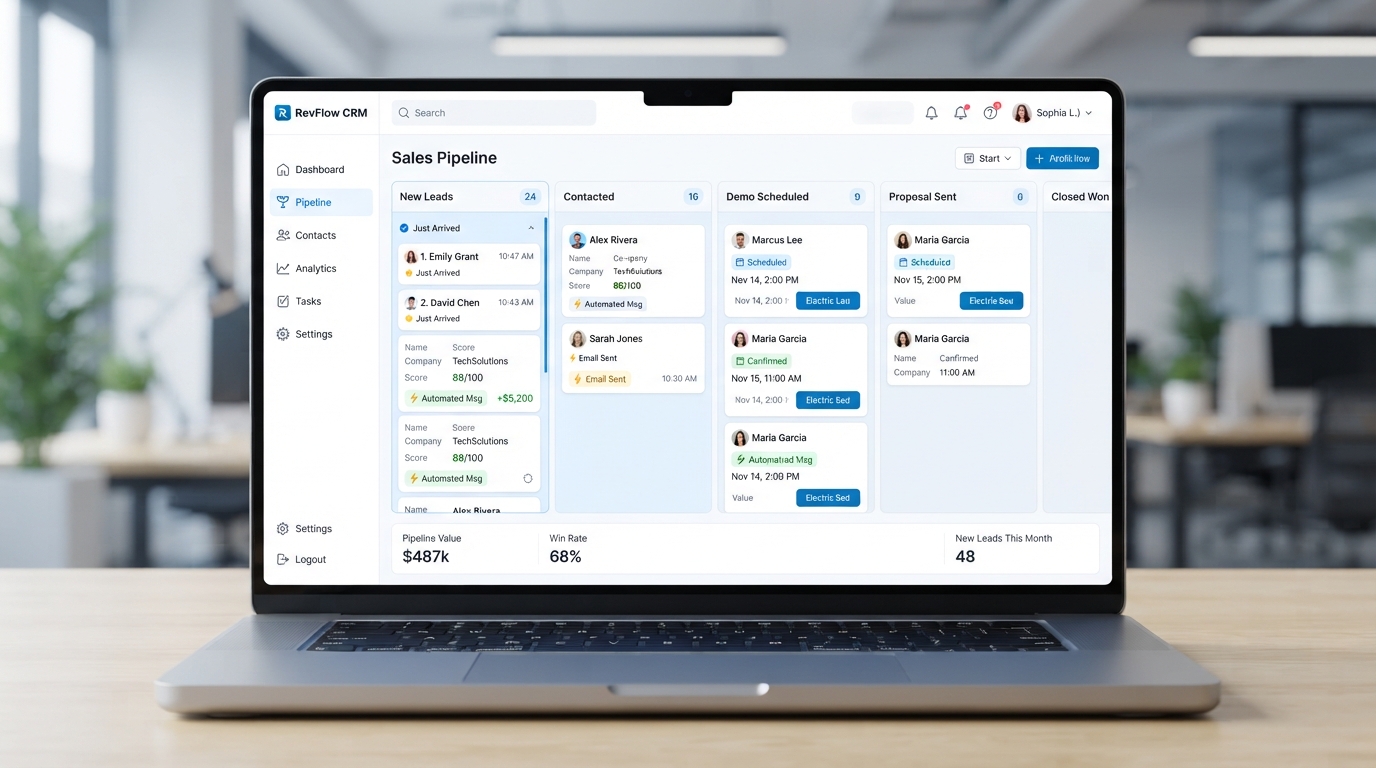
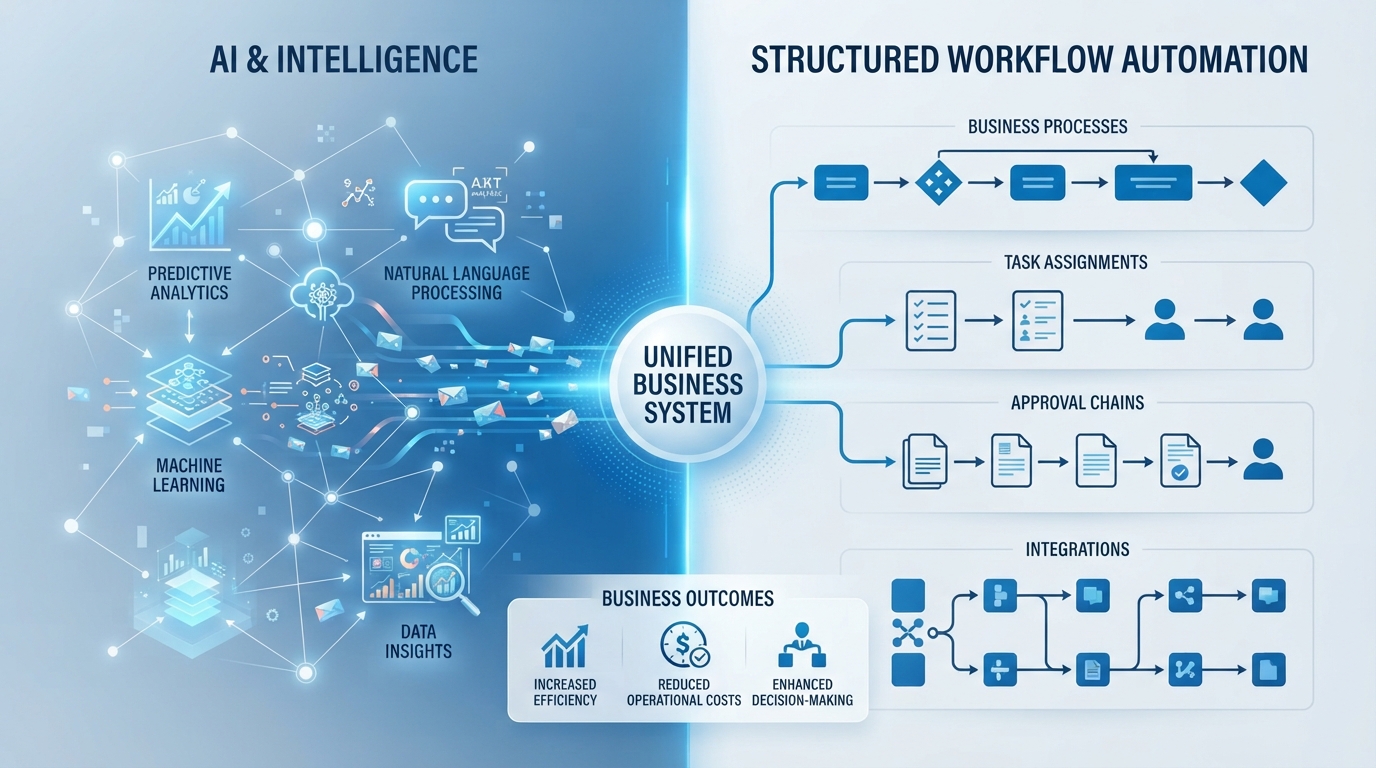
Let's identify what's slowing your business down and show you what can be automated.