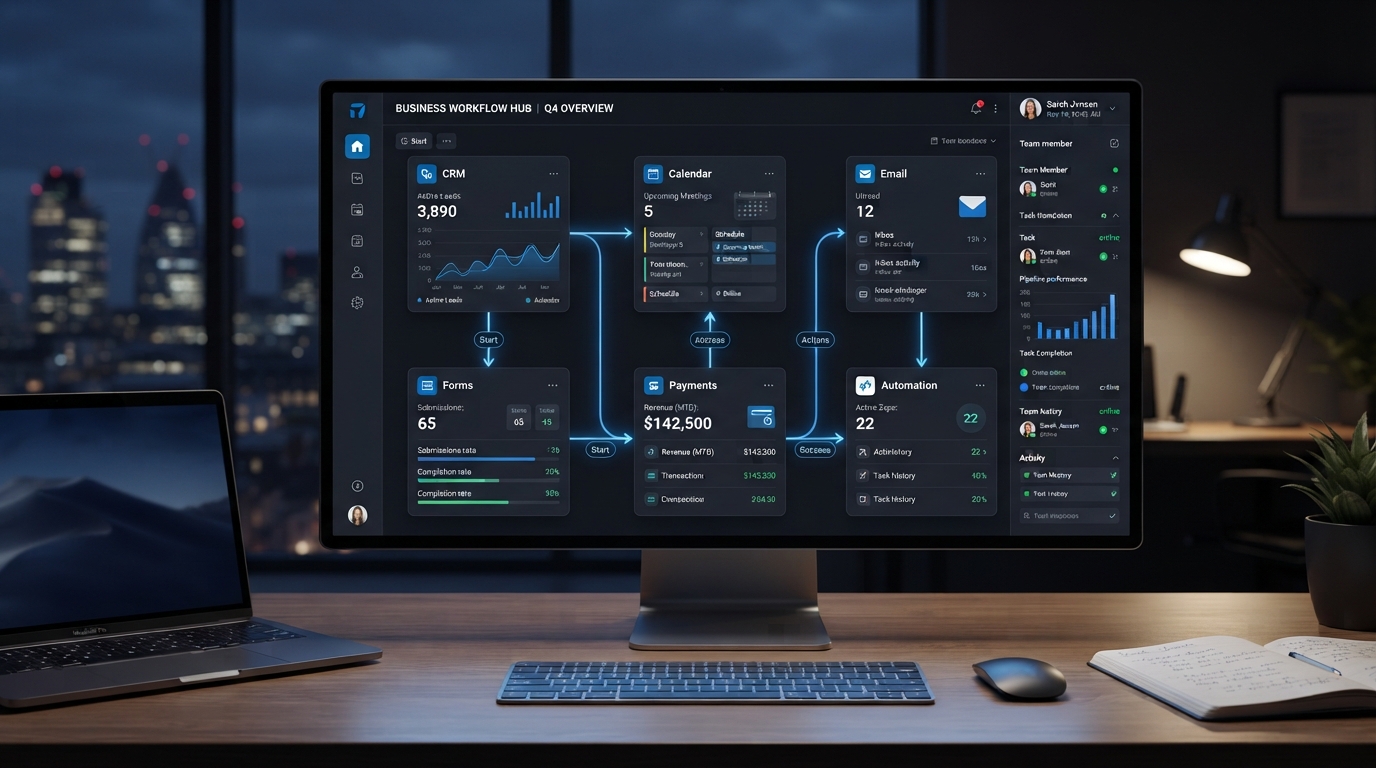
Business Automation
Your software doesn't need to work in isolation. Connecting your tools can eliminate duplicate work and create a smoother flow of information.
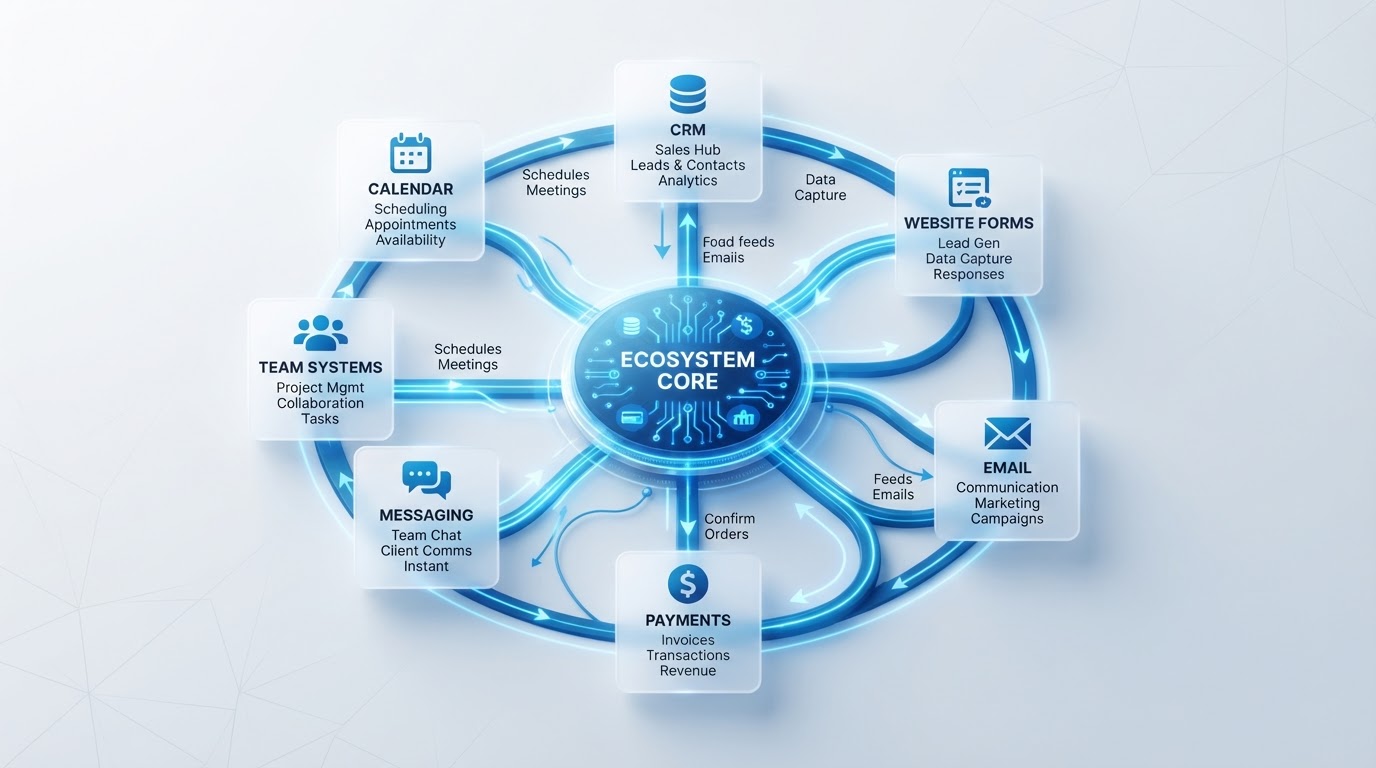
Most businesses use multiple software tools.
A CRM. A calendar. Email. Forms. Payment systems. Messaging platforms. Project management software.
The problem isn't necessarily having multiple tools. The problem is when those tools don't communicate with each other.
When systems are disconnected, employees often become the integration layer.
Someone copies information from a form into the CRM. Someone manually checks whether an appointment was booked. Someone updates a spreadsheet. Someone sends a confirmation email. Someone tells another team member what happened.
This creates unnecessary work.
A connected system allows information to move automatically. For example:
The entire process can happen without someone manually moving information between systems.
Depending on the business, integrations may include:
The biggest benefit isn't simply convenience. Connected systems create consistency.
Everyone works with the same information. Leads move through the process faster. Manual data entry decreases. Important actions become easier to track.
Don't connect tools just because an integration is available. First understand the process. Ask:
Once those questions are answered, the right integrations become much clearer.
Your software should support your business, not create additional administrative work.
The right integrations turn separate tools into one connected business system.
Want to connect the systems your business already uses? Book a Strategy Call with Go2Workflow.
Book a Strategy Call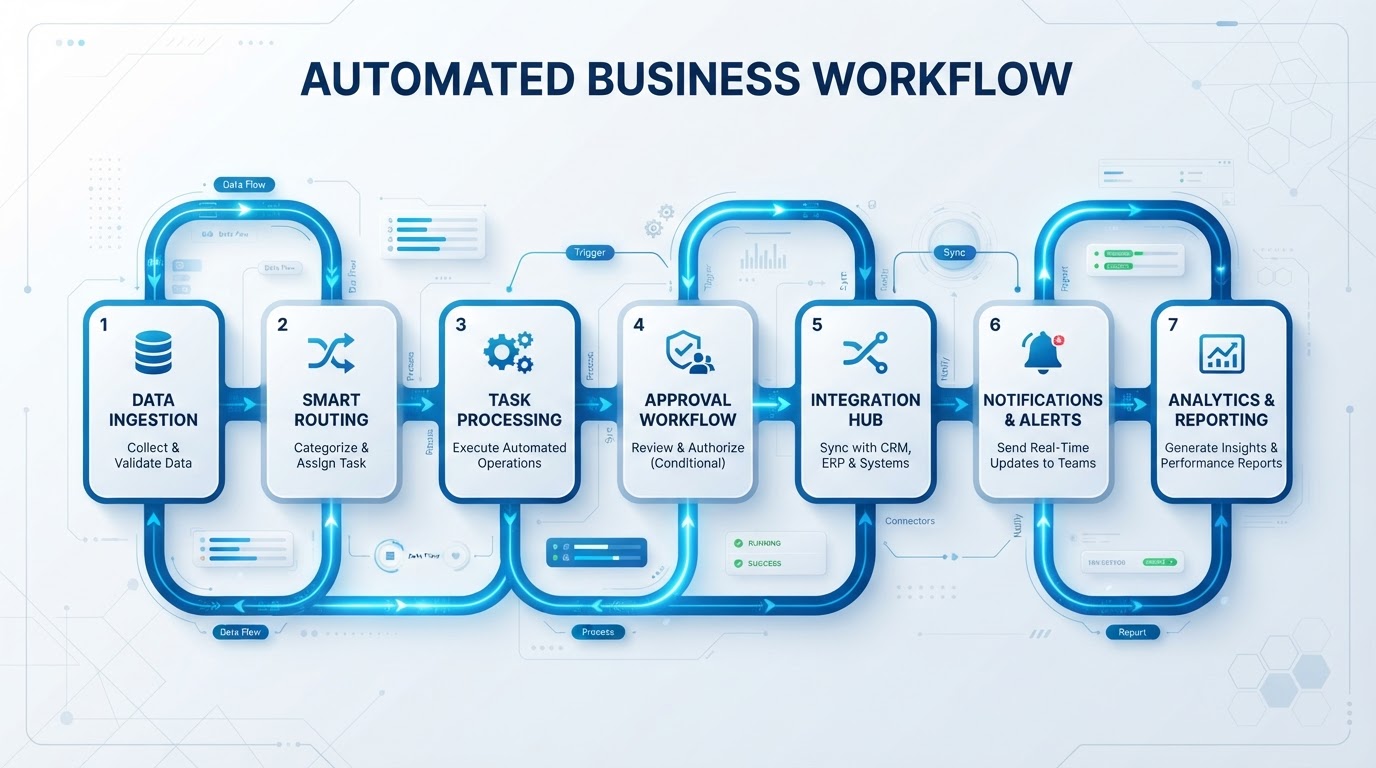
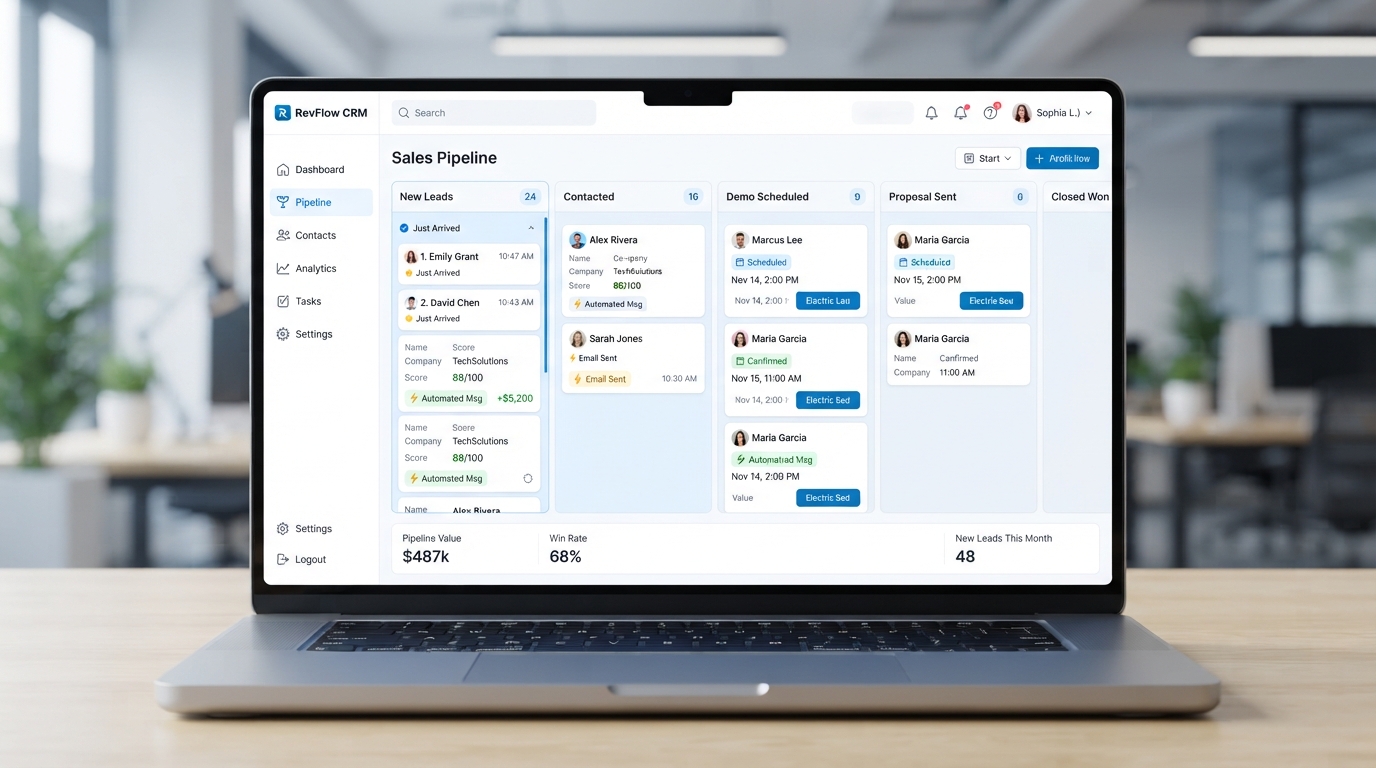
Let's identify what's slowing your business down and show you what can be automated.
